

zoom_in
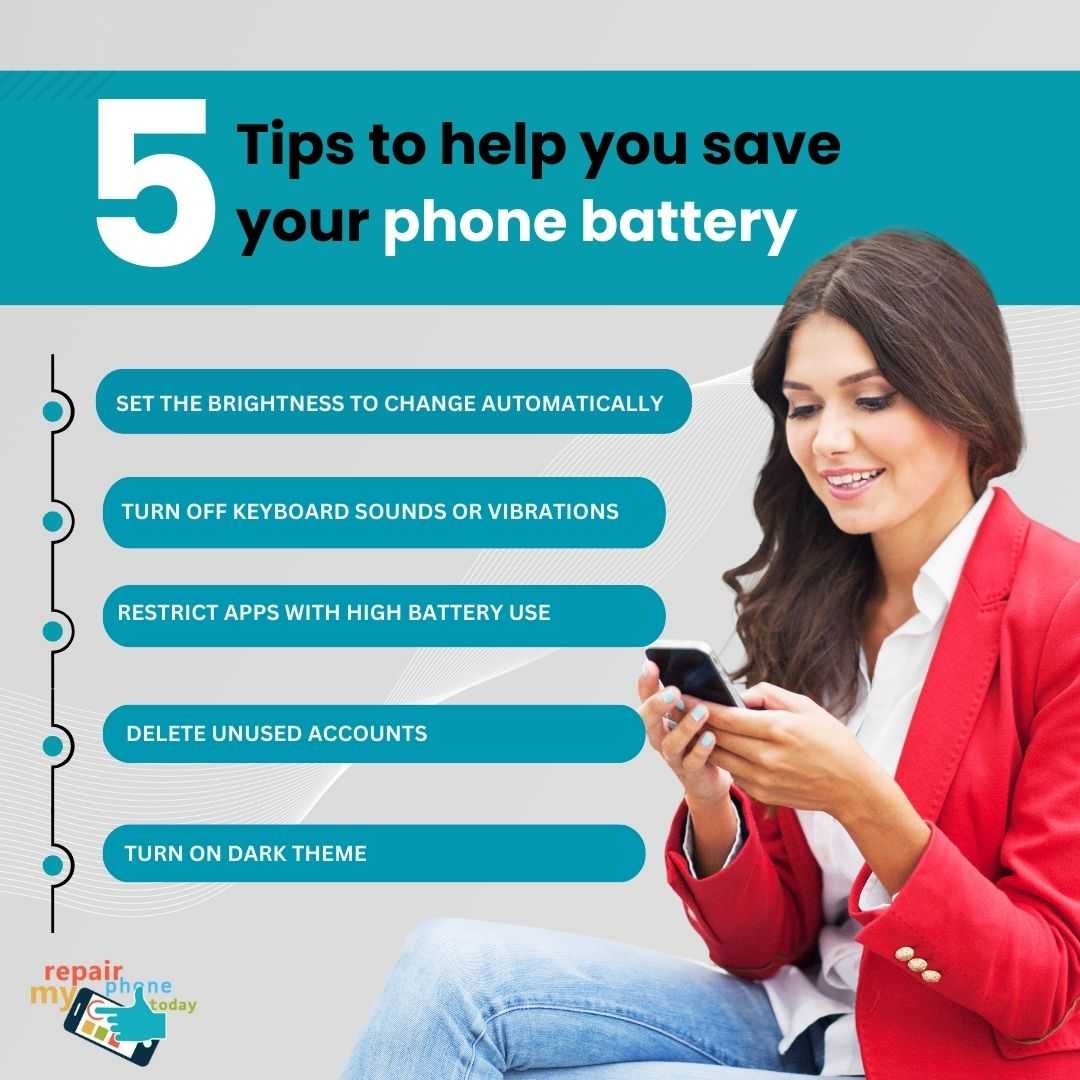
5 Tips to Help You Save Your Phone Battery
€0.00
Our smartphones have become indispensable in our daily lives, but their batteries often struggle to keep up with our demands. To ensure your phone lasts throughout the day, here are five simple yet effective tips to help you save your phone battery:
1. Set the Brightness to Change Automatically: Constantly adjusting your screen brightness can be a hassle. Instead, enable automatic brightness adjustment in your phone's settings. This feature uses ambient light sensors to optimize screen brightness, conserving battery power in brighter environments and improving visibility in dim ones.
2. Turn Off Keyboard Sounds or Vibrations: Those satisfying click sounds or vibrating feedback when typing might be pleasant, but they consume battery power. Disable keyboard sounds and vibrations to save energy while texting or typing.
3. Restrict Apps with High Battery Use: Keep an eye on which apps are draining your battery the most. In your phone's settings, you can find a list of apps with their battery usage statistics. Limit background activity for power-hungry apps to extend battery life.
4. Delete Unused Accounts: If you have multiple email or social media accounts that you no longer use, consider deleting them from your phone. Constantly syncing these accounts can be a significant drain on your battery.
5. Turn on the Dark Theme: Many modern smartphones offer a dark theme or night mode option. Dark themes use less power on OLED and AMOLED screens, as they don't require as much energy to display black pixels. Enable this mode in your phone's settings to reduce power consumption, especially when using apps with predominantly white backgrounds.
By implementing these tips, you can maximize your phone's battery life, ensuring it remains functional when you need it most without constantly searching for a charger.
Visit: www.repairmyphone.today ↗
Tel: 01869 226 455
1. Set the Brightness to Change Automatically: Constantly adjusting your screen brightness can be a hassle. Instead, enable automatic brightness adjustment in your phone's settings. This feature uses ambient light sensors to optimize screen brightness, conserving battery power in brighter environments and improving visibility in dim ones.
2. Turn Off Keyboard Sounds or Vibrations: Those satisfying click sounds or vibrating feedback when typing might be pleasant, but they consume battery power. Disable keyboard sounds and vibrations to save energy while texting or typing.
3. Restrict Apps with High Battery Use: Keep an eye on which apps are draining your battery the most. In your phone's settings, you can find a list of apps with their battery usage statistics. Limit background activity for power-hungry apps to extend battery life.
4. Delete Unused Accounts: If you have multiple email or social media accounts that you no longer use, consider deleting them from your phone. Constantly syncing these accounts can be a significant drain on your battery.
5. Turn on the Dark Theme: Many modern smartphones offer a dark theme or night mode option. Dark themes use less power on OLED and AMOLED screens, as they don't require as much energy to display black pixels. Enable this mode in your phone's settings to reduce power consumption, especially when using apps with predominantly white backgrounds.
By implementing these tips, you can maximize your phone's battery life, ensuring it remains functional when you need it most without constantly searching for a charger.
Visit: www.repairmyphone.today ↗
Tel: 01869 226 455
You might also like

Discount London theatre tickets
star
star
star
star
star
4.0/5
$22.00
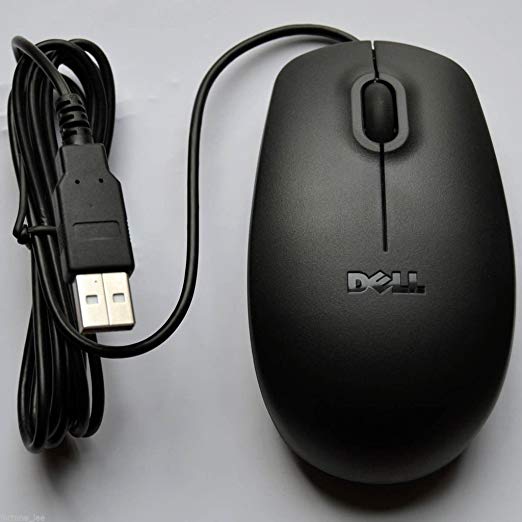
Dell Genuine MS111-P USB Optical Mouse 3 Button Wheel MICE 0X9DCG Original New
star
star
star
star
star
4.0/5
$8.79

AmazonBasics Compact Ergonomic Wireless PC Mouse with Fast Scrolling - Blue
star
star
star
star
star
4.0/5
$15.99

Best exhibition stand builder for SMM Hamburg 2024
star
star
star
star
star
4.0/5
$0.00